
The Timesheets reports are designed to give you insight into the amount of time spent on projects, issues, epics, Accounts, and more.
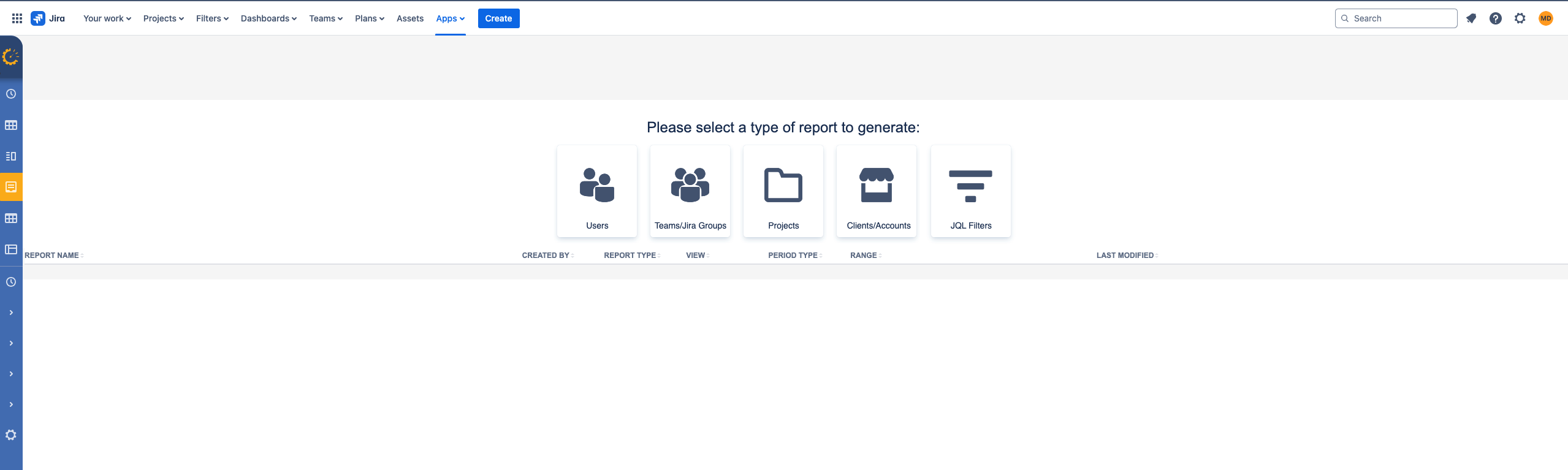
To select the Timesheet Report that you want to create. Go to Reports and chose one of the options
-
the amount of logged time for an individual user
-
the amount of logged time for your team or Jira group
-
the number of hours spent on each Jira project (and epic and issue)
-
the number of hours spent on Timescale account.
-
Accounts can be created for tracking cost centers
-
Tracking Capex and Opex Timescale Accounts for tax credits
-
Tracking Billable and Non Billable Accounts
-
When you create a timesheet report, you can apply filters to accurately display what you want to see. Save and Export in different formats