
Creating and deleting teams requires the Administrator Jira global permission.
A team is a group of Jira users who work on projects together in some way. A team might consist of the people in one department of your company, or it might be a Scrum team if you work in an Agile software development environment. You can add as many teams or people to teams as you need - or want - to manage.
Creating Teams
-
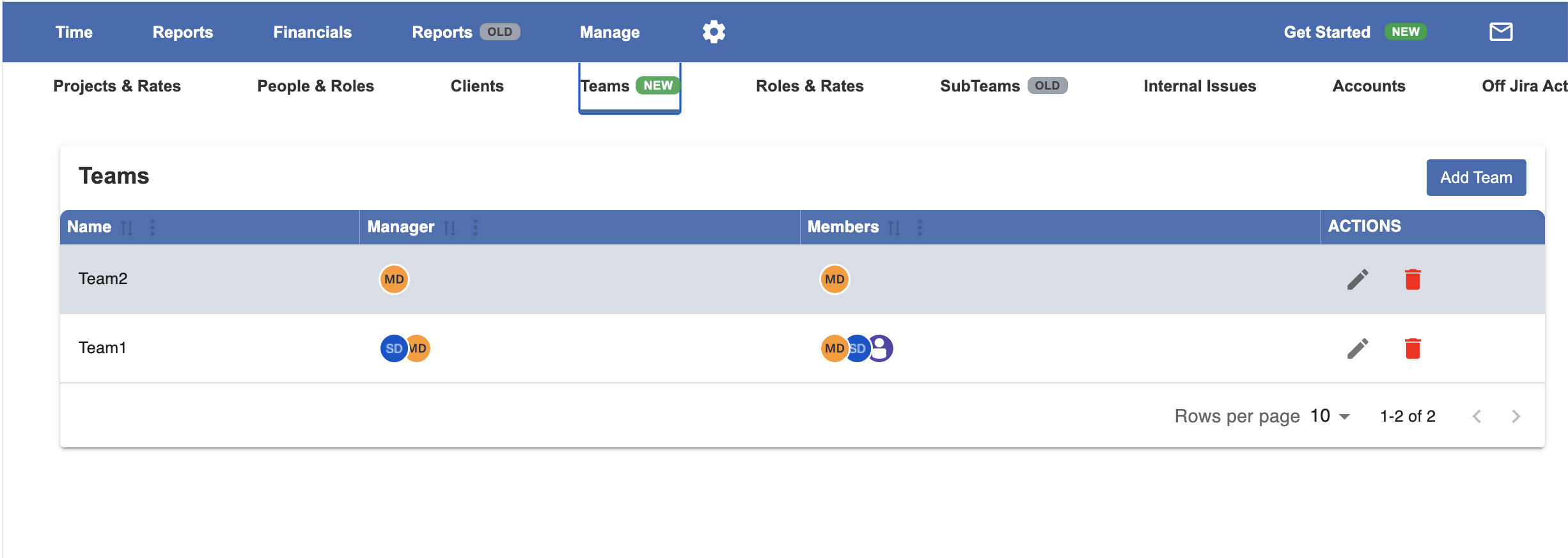
Select Teams (new) in the Manage menu.
-
Click the Create a Team link at the top-right.
-
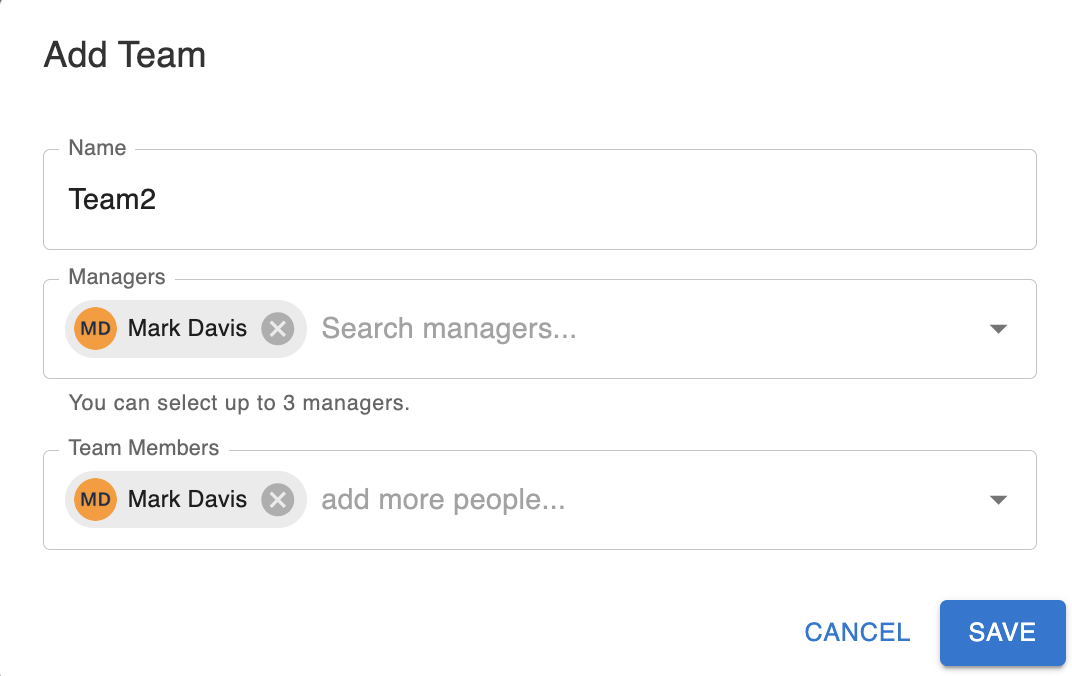
Fill in the Create Team form.
-
Team Name - Enter a name for the team.
-
Users - Team members.
-
Approvers - The team approvers will have the permissions to approve teams timesheets.
-
-
Click Create team. Your team is added to the list of teams
Deleting Teams
To delete a team:
-
Go to the Teams page.
-
Click Delete at the right side for the team you want to delete.